Twitter|13 min read Read
Why You Can’t Log Into X Right Now — And the Fix Usually Isn’t What You Think
Ethnickoti

There’s a very specific kind of panic that happens when X suddenly refuses to let you in.
You type the password once. Wrong. Again. Still wrong.
Then comes the second layer of anxiety. Maybe the app is broken. Maybe the account got hacked. Maybe two-factor authentication stopped working again. Or maybe and this one frustrates people the most the platform itself is having problems while pretending everything is fine.
X login issues have become strangely common over the past few years. Not catastrophic all the time, but messy enough that millions of users regularly end up stuck in login loops, verification failures, suspicious activity screens, or endless “something went wrong” messages.
And honestly, most troubleshooting guides online aren’t very helpful. They read like they were written by a toaster.
So this guide takes a more practical route. Real problems. Real fixes. The stuff people actually end up dealing with in 2026.
This sounds obvious, but people skip this step constantly.
When X servers start struggling, the symptoms look almost identical to account problems. Failed logins. Infinite loading screens. Verification errors. Random session logouts. Sometimes posts stop loading while messages still work. Sometimes the opposite happens.
Before resetting passwords or panicking about security breaches, check outage trackers and the official support account.
If thousands of people suddenly report issues at the same time, there’s a decent chance the problem isn’t your account at all.
This happens more often during major news events or viral platform spikes when traffic surges unexpectedly.
Sometimes waiting twenty minutes genuinely solves everything. Annoying answer, but true.
And not always for the reasons people think.
A huge percentage of failed logins come from old autofill data, outdated password managers, keyboard layout changes, or accidental capitalization errors.
Especially on mobile devices where passwords get auto-filled so often that people stop remembering what they actually are.
Before resetting anything:
Type the password manually
Turn off CAPS LOCK
Check keyboard language settings
Try logging in from desktop instead of mobile
Use incognito mode temporarily
If nothing works, reset the password immediately instead of repeatedly guessing. Repeated failed attempts can trigger automated security systems and temporarily block access.
Which somehow makes an already stressful situation even more irritating.
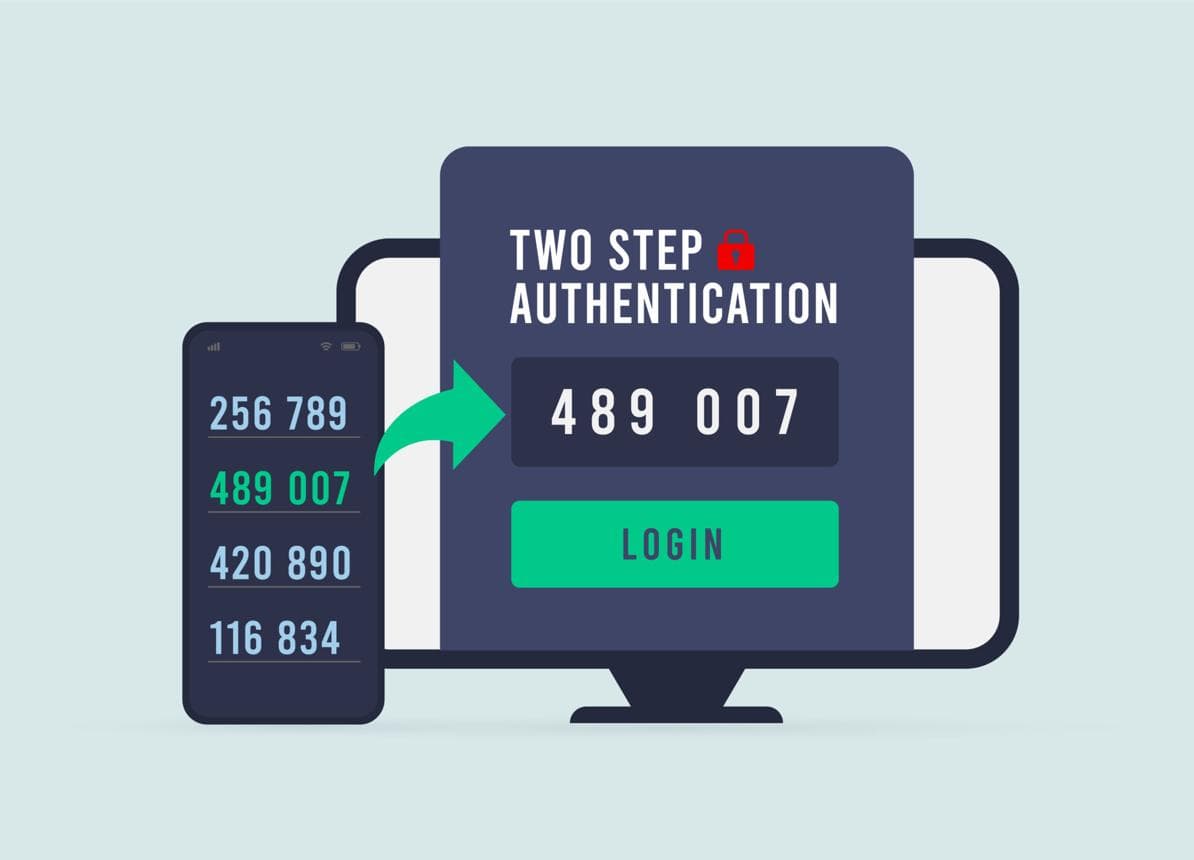
2FA is still one of the best security protections available for X accounts.
It’s also responsible for a shocking amount of login frustration.
SMS verification delays remain common in certain regions, especially during network congestion or international travel. Some users receive codes instantly. Others wait fifteen minutes and receive five at once.
Authenticator apps tend to work more reliably, but they create a different problem: people lose device access without saving backup codes.
That scenario gets ugly fast.
If your verification codes stop working:
Restart the device first
Enable automatic date and time syncing
Check signal strength
Use backup codes if available
Switch to another internet connection temporarily
A surprising number of authentication issues come from time synchronization problems alone. Tiny mismatch. Big consequences.
Which is part of why people hate it.
That vague message can appear because of:
Corrupted cache files
Browser cookie conflicts
VPN interference
Temporary server instability
Broken app updates
There’s no elegant fix because the error itself is so generic.
Still, clearing cache resolves this more often than people expect.
On Android, clearing app cache directly from settings usually works better than reinstalling immediately. On iPhone, reinstalling the app tends to produce cleaner results because iOS handles cache differently.
And yes, VPNs genuinely cause login failures sometimes. Especially aggressive privacy configurations or rotating IP systems.
Temporarily disabling the VPN is worth testing before trying more dramatic recovery steps.
You log in successfully.
Then suddenly you’re back on the login screen again.
Repeat forever.
This usually happens because old authentication cookies conflict with newer sessions. Browser extensions can trigger it too, especially aggressive ad blockers and script filtering tools.
The fastest fixes tend to be:
Clear cookies completely
Disable browser extensions temporarily
Try another browser entirely
Log out from all active sessions if possible
Some users fix login loops simply by switching from Wi-Fi to mobile data for the first login attempt. Strange workaround. Surprisingly effective.
X security systems became much more aggressive over the last few years.
Sometimes correctly. Sometimes not.
Accounts can get temporarily locked because of:
Rapid follow activity
Repeated login attempts
VPN location changes
Automation detection systems
Unusual device activity
A locked account isn’t always permanently suspended. That distinction matters.
Temporary locks often resolve after identity verification steps like confirming email addresses, solving CAPTCHA checks, or verifying phone numbers.
Permanent suspensions are more serious and usually require formal appeals.
And yes, appeals can take time. Sometimes far more time than users expect.
This situation feels awful because people usually notice it indirectly.
A friend messages you.
You suddenly see crypto spam posted from your profile. Your password stops working. Recovery emails appear that you never requested.
The first hour matters a lot here.
Immediately:
Reset your password
Remove unfamiliar sessions
Enable authenticator-based 2FA
Disconnect suspicious third-party apps
Check connected email accounts too
That last step gets overlooked constantly.
If attackers still control the email account linked to X, they can often regain access again later.
Authentication systems change quietly in the background all the time.
Outdated app versions sometimes fail because older authentication methods stop working correctly after platform updates. Same issue with unsupported browsers.
People underestimate how much modern platforms rely on updated browser standards now.
If X suddenly breaks after months of working fine, check:
Browser updates
App updates
Operating system compatibility
Extension conflicts
It sounds basic. Yet it fixes a surprising number of “mystery” login failures.
Most people only think about account security after something goes wrong.
Which is understandable. But prevention is dramatically easier than recovery.
The safest setup right now looks something like this:
Unique password
Authenticator app instead of SMS-only verification
Saved backup codes offline
Updated recovery email access
Regular review of connected third-party apps
Not glamorous advice. But it prevents a huge percentage of serious account problems.
And honestly, losing access to an old X account can become a much bigger issue than people expect especially for creators, businesses, journalists, or anyone whose online identity is tied heavily to that profile.
The fastest login fix is usually technical. The best long-term fix is behavioral.
Ethnic Koti Editorial Team. (2026). "Why You Can’t Log Into X Right Now — And the Fix Usually Isn’t What You Think". Ethnickoti Blog. Retrieved from https://ethnickoti.com/blog/twitter-x-login-problems-fix-2026
Join the conversation. Be respectful and helpful.