Android|12 minutes Read
How to Make a Slow Android Phone Feel Fast Again Without Buying a New One
Ethnickoti

A slow Android phone doesn’t usually become slow overnight. It creeps up gradually.
First, apps take an extra second to open. Then scrolling feels weirdly sticky. The keyboard lags behind your typing. Camera launches become a gamble. Before long, even unlocking the phone feels like asking too much from it.
Most people assume the device is simply “old now.” Sometimes that’s true. But honestly, a surprising number of Android phones are slowed down more by clutter, background activity, overheating, and bloated apps than by actual weak hardware.
I’ve seen budget phones become noticeably smoother after twenty minutes of cleanup. I’ve also seen flagship phones lag horribly because they were overloaded with widgets, syncing accounts, battery-draining social apps, and years of neglected storage.
The good part? You usually don’t need technical skills to improve Android performance. Just a few deliberate changes.
Some are dramatic. A couple feel almost suspiciously effective.
This sounds painfully obvious, which is probably why people skip it.
But Android phones can quietly accumulate background processes, stuck apps, memory leaks, unfinished syncing tasks, and random system weirdness after running continuously for days or weeks.
A restart clears temporary memory, stops unstable background services, and gives the system a fresh start.
And yes, it still works in 2026.
If your phone feels sluggish lately, reboot it before doing anything else. Seriously.
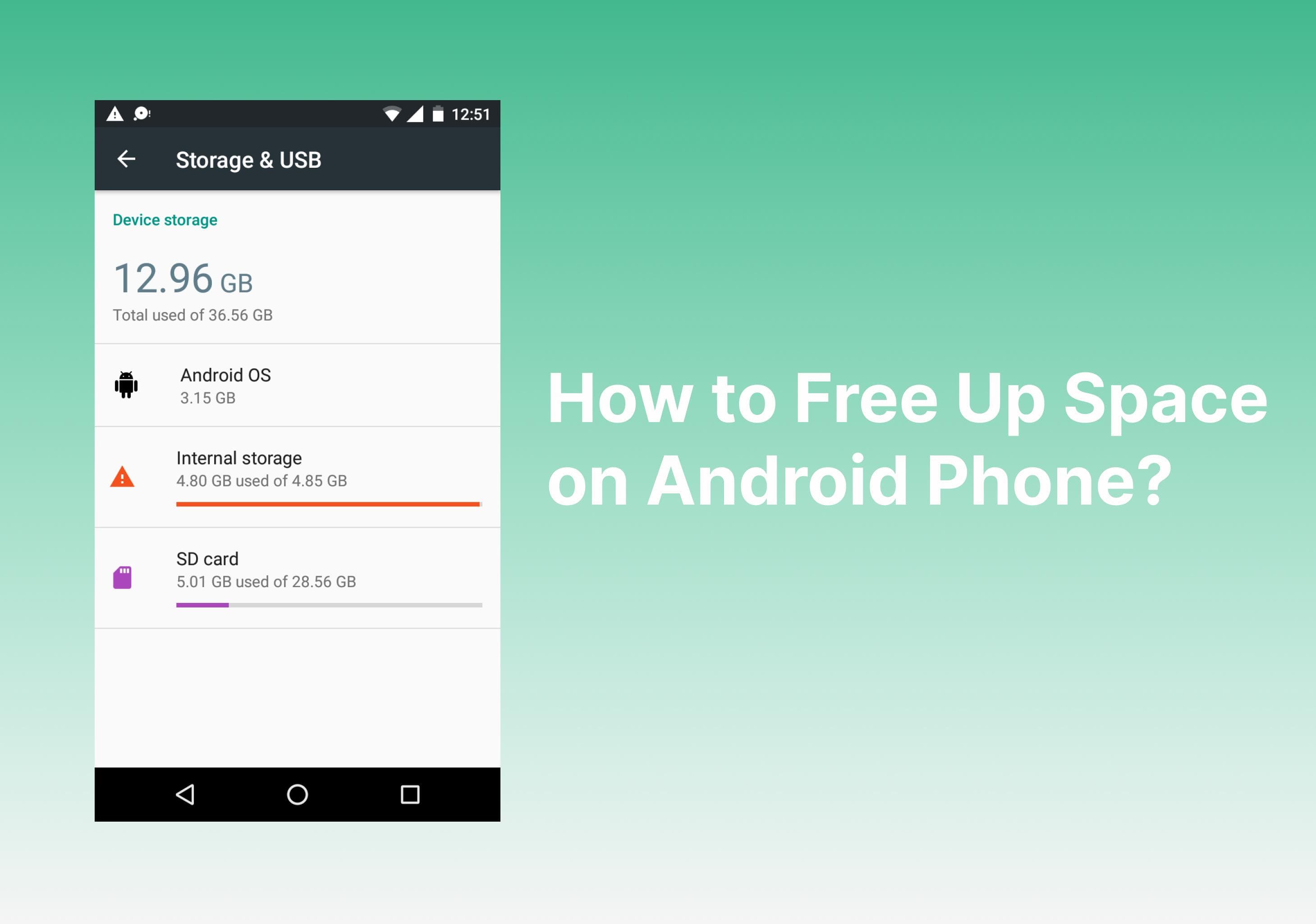
Android phones hate being nearly full.
Once storage starts getting dangerously close to maximum capacity, performance tends to drop noticeably. Apps struggle to cache properly. System operations slow down. Updates behave strangely.
A phone with 95% full storage often feels dramatically worse than the same phone with breathing room available.
Try keeping at least 15% to 20% free storage whenever possible.
Start deleting:
Old screen recordings
Duplicate photos
Unused downloaded files
Apps you forgot existed
A lot of people are carrying around years of junk data without noticing it.
The Files by Google app is genuinely useful here because it spots duplicate images, giant videos, and leftover files pretty quickly without feeling sketchy like some “phone cleaner” apps do.
Avoid random RAM cleaner apps, by the way. Most of them either do nothing meaningful or make performance worse.
Some apps never really stop running.
Social media apps are especially aggressive. Facebook, Instagram, Snapchat, TikTok they constantly refresh feeds, preload content, sync notifications, track activity, and occasionally behave like they own the phone.
Even when you’re not actively using them.
Older Android phones with limited RAM feel this the hardest. Once memory fills up, the system starts aggressively closing and reopening apps, which creates lag everywhere.
Take a brutally honest look through your installed apps.
If you haven’t opened something in six months, uninstall it.
Not disable. Not “keep it just in case.” Remove it.
Phones feel lighter afterward. Weirdly lighter.
This is one of the fastest ways to make Android feel quicker without upgrading anything.
Animations are pretty, but on weaker or aging phones they can create the illusion of slowness. Every app opening animation, transition effect, and window movement takes processing power.
Reducing them instantly makes the interface feel more responsive.
First enable Developer Options:
Open Settings
Go to About Phone
Tap Build Number seven times
Then open Developer Options and change:
Window Animation Scale → 0.5x
Transition Animation Scale → 0.5x
Animator Duration Scale → 0.5x
Some people turn animations fully off. Personally, 0.5x feels like the sweet spot. Fast, but not jarringly robotic.
The difference is usually immediate.
Android customization is fun until your home screen starts behaving like a small operating system by itself.
Weather widgets constantly refresh. Stock widgets sync data. Live wallpapers animate nonstop. News feeds preload in the background.
Individually, they don’t seem heavy.
Together, though? Older phones absolutely notice.
If your device feels laggy, simplify the home screen temporarily:
Use a static wallpaper
Reduce widgets
Remove unnecessary feeds
Minimal setups almost always feel faster.
Apps build temporary cached data over time. Usually that helps performance.
But occasionally cached files become bloated or corrupted, especially in apps like Chrome, TikTok, Instagram, YouTube, and Facebook.
If a specific app feels unusually slow, clearing its cache often helps.
Go to:
Settings
Apps
Select the app
Storage
Clear Cache
Avoid hitting “Clear Data” unless absolutely necessary because it logs you out and resets the app completely.
Modern apps are heavier than people realize.
Some social apps now consume absurd amounts of RAM for what they actually do.
If you’re using a budget phone or an older device with limited memory, lightweight app alternatives can make a massive difference.
Examples include:
Facebook Lite
Messenger Lite
Browser-based versions of apps
They use less RAM, less storage, and usually less battery too.
Not glamorous. Very effective.
A lot of Android slowdowns come from too many accounts syncing constantly.
Multiple Gmail accounts. Cloud backups. Photo syncing. Calendar syncing. Smart home devices checking status repeatedly.
The phone keeps working behind the scenes even while the screen is off.
If performance feels inconsistent, reduce unnecessary syncing:
Settings
Accounts
Auto-sync Data
You don’t need to disable everything. Just trim the unnecessary stuff.
Some phones become noticeably smoother almost immediately after reducing aggressive background syncing.
People love postponing updates. Then complain about lag six months later.
Performance bugs, overheating issues, battery problems, and memory leaks are often fixed quietly through updates.
Check for:
Android system updates
Security patches
Google Play system updates
App updates
Not every update improves speed, obviously. Some do the opposite temporarily. But running years-old software usually creates more issues than it solves.
This part surprises people.
When batteries degrade, Android devices sometimes reduce CPU performance to prevent crashes, overheating, or unstable voltage behavior.
So the phone feels slower even though the processor itself hasn’t changed.
Signs of battery-related slowdown include:
Overheating
Fast battery drain
Random shutdowns
Heavy lag during gaming or multitasking
Apps like AccuBattery can estimate battery health fairly well.
And honestly, replacing an old battery can revive a phone more than people expect.
Nobody wants to factory reset their phone. It’s annoying. Backups take time. Reinstalling apps is tedious.
But if your Android phone has years of accumulated clutter, corrupted settings, abandoned apps, and weird background behavior, a reset can feel dramatic.
Almost like getting a different device back.
Backup everything first, obviously.
Then reset only if the phone remains painfully slow after trying the other fixes.
It’s usually the nuclear option. But sometimes nuclear works.
There’s rarely one magical setting that transforms every Android phone instantly.
It’s usually several smaller fixes stacking together:
More free storage
Fewer background apps
Reduced animations
Less syncing
Cleaner home screens
The difference can feel surprisingly big afterward.
And sometimes, honestly, that’s enough to delay buying a new phone for another year or two.
Ethnic Koti Editorial Team. (2026). "How to Make a Slow Android Phone Feel Fast Again Without Buying a New One". Ethnickoti Blog. Retrieved from https://ethnickoti.com/blog/speed-up-slow-android-phone-guide
Join the conversation. Be respectful and helpful.