Reviews|11 minutes Read
Best Web Hosting Providers for Beginners in 2026
Ethnickoti

The first time you buy web hosting, everything sounds more complicated than it probably should.
You start hearing terms like bandwidth, SSL, uptime, CDN, LiteSpeed, VPS. Suddenly you're sitting there with ten tabs open wondering why a simple personal blog somehow feels connected to server infrastructure.
Most beginners don’t actually need advanced hosting. They need something stable. Fast enough. Easy to manage at 1:30 in the morning when WordPress refuses to cooperate and panic starts creeping in.
That’s really the difference between good beginner hosting and bad beginner hosting. Not marketing promises. Not giant discount banners. It’s the feeling of opening the dashboard and immediately understanding where things are.
This guide looks at the hosting providers that actually make starting a website less stressful in 2026. Some are cheaper. Some are faster. A couple are surprisingly polished for first-time users.
And honestly, a few popular hosts still feel stuck in 2018.
A lot of new website owners focus entirely on price.
Makes sense. Hosting ads constantly push absurdly low monthly rates. But the cheapest hosting plan often becomes the most expensive decision later when your site slows down, crashes during traffic spikes, or support takes six hours to answer a basic question.
Support matters more than people realize. Especially when you're learning.
There’s also the renewal pricing trap. A hosting company might advertise a plan at a tiny introductory rate, then quietly triple the cost next year. Beginners miss this constantly.
A decent hosting provider should feel boring in the best possible way. Your site just works.
You shouldn’t need YouTube tutorials every weekend just to keep the website alive.
There’s a reason Hostinger keeps showing up in beginner hosting conversations. It hits a balance most companies struggle to maintain.
Affordable pricing. Clean interface. Surprisingly fast performance for entry-level hosting.
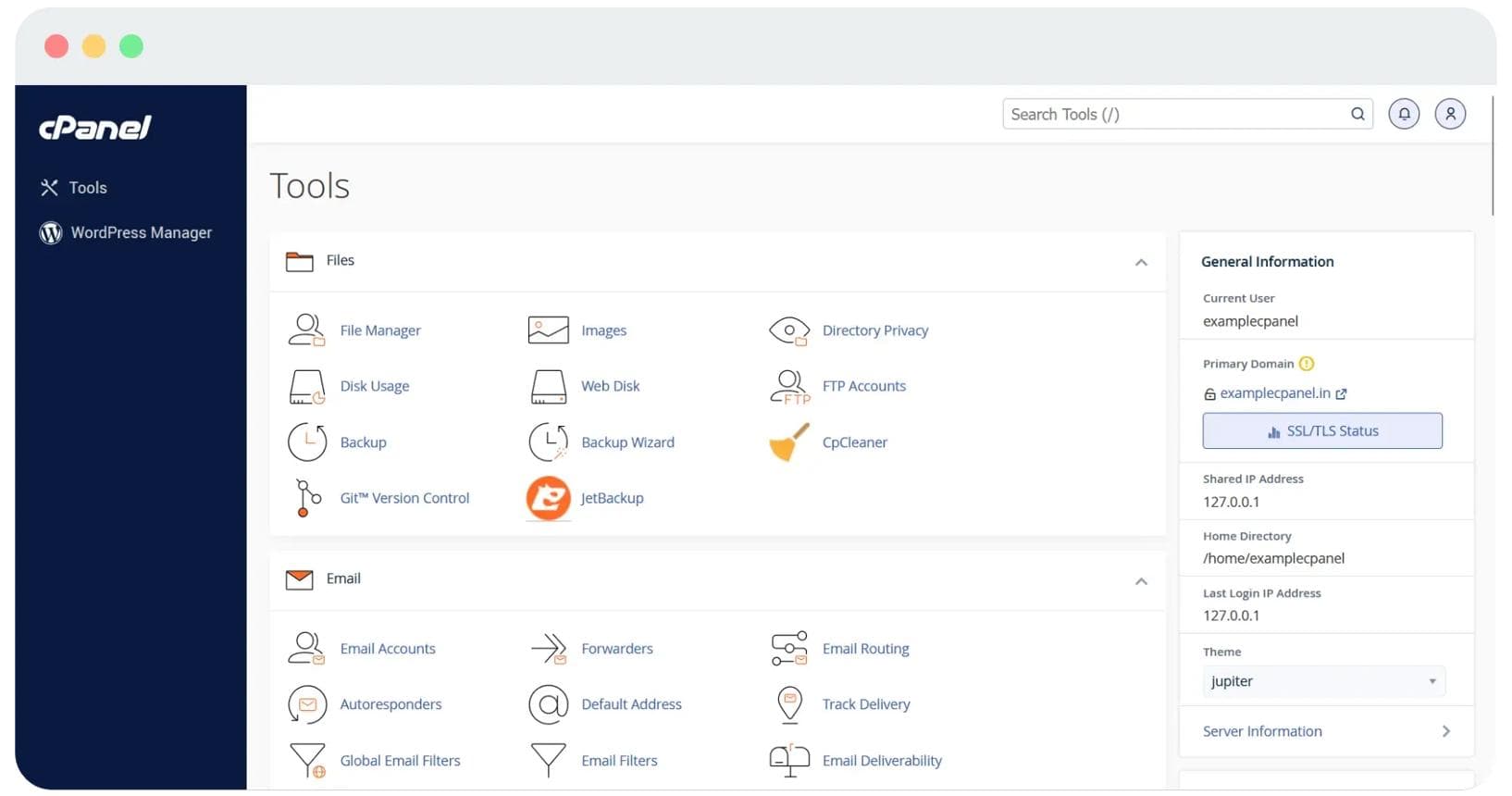
The custom dashboard helps a lot here. Traditional cPanel layouts can feel cluttered for new users, almost like opening aircraft controls when all you wanted was to publish a blog post. Hostinger simplified that experience without removing important features.
WordPress installation takes minutes. SSL certificates are usually included automatically. Backups are straightforward. Even basic site management feels less intimidating.
Their LiteSpeed infrastructure also deserves mention because beginners rarely understand how much hosting speed affects visitor behavior. Slow websites quietly kill growth. People leave faster than you think.
First-time bloggers
Portfolio websites
Small business landing pages
Beginner WordPress users
Not perfect though.
The cheapest plans still have resource limitations, and renewal pricing climbs noticeably after the initial term ends. That catches people off guard.
Bluehost has been recommended to beginners for years. Some of that reputation still holds up.
Its WordPress integration is smooth, and onboarding remains one of the easiest experiences for someone building a website for the first time. You can go from zero to published homepage pretty quickly.
That matters more than hardcore performance when you’re just trying to launch.
Bluehost also bundles beginner-friendly tools that reduce setup anxiety. Domain management, email setup, and WordPress themes are integrated fairly well.
Still, the platform occasionally feels dated compared to newer competitors. Some dashboards look cluttered. Upselling during checkout can become irritating fast.
You’ll notice lots of extra add-ons appearing before payment. Domain privacy. SEO tools. Security upgrades. Beginners often click everything because they assume it’s necessary.
Usually it isn’t.
You want straightforward WordPress setup
You prefer established brands
You’re building a simple content site
For absolute beginners, familiarity sometimes beats innovation.
Namecheap built its reputation through affordable domains, but its hosting plans have quietly become popular among beginners trying to keep costs low.
And honestly? For small personal sites, it works fine.
The interface is simple enough. Domain management is one of the cleaner experiences in the industry. Setup doesn’t feel intimidating.
Performance, though, can feel inconsistent on lower-tier shared plans. Not disastrous. Just noticeable if your traffic grows or plugins start piling up.
Support quality also varies depending on timing. Some users report excellent help. Others end up waiting longer than expected.
That unpredictability matters less for hobby websites and more for business projects.
Namecheap is the kind of hosting people choose when budget matters first and optimization comes later.
Some hosting providers compete aggressively on price. SiteGround goes a different direction.
It focuses heavily on performance, support quality, and infrastructure reliability. You feel that difference pretty quickly after using cheaper hosting.
Pages load fast. Support agents usually know what they’re talking about. Security tools are integrated well instead of feeling bolted on afterward.
SiteGround also handles traffic spikes better than many beginner-oriented hosts. That becomes important if a blog post suddenly performs well or a business site starts attracting real visitors.
The downside, obviously, is pricing.
It’s more expensive than Hostinger or Namecheap. Storage limits on lower plans can also feel restrictive. But for beginners serious about growing a site long term, the extra stability sometimes justifies the cost.
Professional blogs
Business websites
People expecting steady traffic growth
Users who value customer support quality
There’s a category of beginner who genuinely does not want to think about hosting at all.
No server settings. No plugin compatibility. No maintenance.
That’s where Wix works surprisingly well.
Everything exists inside one ecosystem: hosting, design tools, templates, backups, updates, security. It’s heavily simplified by design.
The drag-and-drop builder remains one of the easiest website creation systems available in 2026. You can realistically build a respectable-looking website in a single afternoon without touching code.
But simplicity always comes with trade-offs.
Wix is less flexible than WordPress. Migration can become painful later if your website outgrows the platform. Advanced customization also feels limited compared to traditional hosting setups.
Still, for beginners who simply want an online presence without technical headaches, it’s hard to deny how approachable Wix feels.
New website owners constantly ask if they should buy VPS hosting immediately.
Usually, no.
Shared hosting is enough for most beginner websites. Blogs, portfolios, startup landing pages, local business sites they rarely need dedicated server resources early on.
VPS hosting gives you more control and stronger performance, but it also introduces more complexity. Sometimes a lot more.
You’ll eventually know when you need VPS hosting because your website will start demanding it. Slowdowns during traffic spikes. Resource limitations. Advanced software requirements.
Before that point, shared hosting is usually the smarter move.
Hosting companies advertise hundreds of features. Most beginners only need a handful of them.
Free SSL certificates
Reliable uptime
Automatic backups
Easy WordPress installation
Responsive customer support
Modern storage like SSD or NVMe
Daily backups deserve special attention because beginners often ignore them until disaster happens.
And eventually, something always breaks. A plugin conflict. Malware infection. Accidental deletion. Bad update.
Good backups quietly save websites.
This part deserves honesty.
Many hosting reviews online are aggressively affiliate-driven. Every provider is called “the fastest” or “the number one solution.” Realistically, most major hosting companies are decent now.
The differences show up in smaller details:
How fast support responds
How intuitive the dashboard feels
How honest renewal pricing is
How stable performance remains during traffic spikes
Beginners don’t need perfection. They need reliability and clarity.
For most beginners, Hostinger probably offers the strongest balance right now between affordability, ease of use, and performance.
Bluehost still works well for first-time WordPress users who want a familiar ecosystem. SiteGround feels more polished for long-term growth. Wix removes technical stress almost entirely. Namecheap remains attractive for tight budgets.
The good news is that modern hosting is far easier than it used to be.
Ten years ago, beginners regularly broke websites just trying to install themes. Now most platforms automate the difficult parts quietly in the background.
That means your focus can stay where it belongs: building something people actually want to visit.
Ethnic Koti Editorial Team. (2026). "Best Web Hosting Providers for Beginners in 2026". Ethnickoti Blog. Retrieved from https://ethnickoti.com/blog/best-web-hosting-providers-for-beginners-2026
Join the conversation. Be respectful and helpful.