How To|9–11 minutes Read
Best Trading Software for Windows in 2026: A Real-World Guide for Modern Traders
Ethnickoti

There was a time when trading software on Windows meant clunky interfaces, delayed charts, and a lot of guesswork. That version of trading is gone. What exists now is faster, louder, and honestly a bit overwhelming if you are just stepping in.
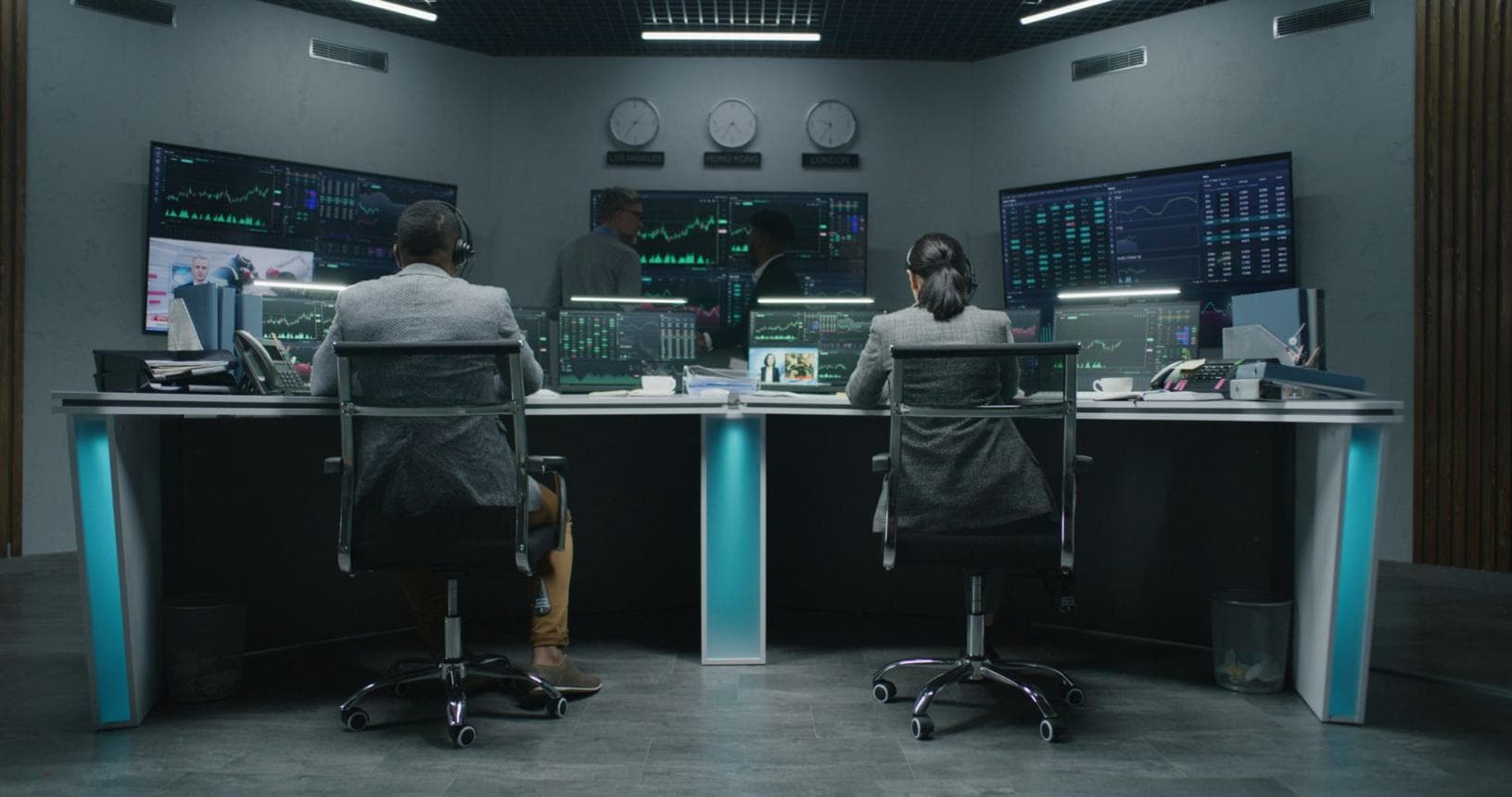
In 2026, trading platforms are less like tools and more like ecosystems. Charts update in real time without blinking. AI suggestions appear mid-analysis. One screen is rarely enough anymore. And Windows machines, especially well-built desktops, still sit at the center of it all.
But here is the part people don’t say out loud: more features don’t automatically mean better trading. Sometimes it just means more noise. The real skill is picking software that matches how you think, not how impressive it looks on a demo video.
Even with mobile apps getting sharper every year, Windows remains the quiet backbone of serious trading setups. Not because it is trendy, but because it is practical in a slightly old-school way.
Most professional platforms still build their deepest features for desktop first. Multi-monitor setups are easier to manage. You can run charting tools, execution platforms, and data feeds all at once without your system collapsing under pressure.
There is also a subtle comfort in having control. Windows lets traders tweak things. Not always elegantly, but enough to matter when timing is everything.
Most beginners start with the same checklist: indicators, speed, maybe something about “AI features.” But once you actually sit in front of live charts, priorities shift fast.
A clean interface matters more than people admit. If you spend half your time searching for buttons, you are already late to decisions. Real-time data matters too, but only if it is stable. A fast chart that freezes during volatility is worse than a slightly slower one that stays consistent.
And then there is execution. The difference between profit and frustration often comes down to how quickly an order actually goes through, not how pretty the chart looked beforehand.
MetaTrader 5 (MT5) has been around long enough that some people assume it would feel outdated by now. It doesn’t. It just feels familiar in a way newer platforms don’t.
Forex traders still rely on it heavily. Automated strategies run smoothly once configured properly, although the learning curve is real. It is not forgiving to complete beginners, but it rewards patience.
There is something almost mechanical about MT5. It doesn’t try to impress you. It just executes.
TradingView is where most new traders eventually end up, even if they start elsewhere. It is visually clean in a way that makes messy market behavior easier to interpret.
Charts feel alive but not chaotic. The social layer, where traders share setups and ideas, can be helpful or distracting depending on your discipline. Some people treat it like research. Others treat it like entertainment. The difference matters more than it sounds.
It works best when you already have some sense of what you are looking at. Otherwise, you can spend hours just watching indicators move around without a clear decision.
NinjaTrader sits in a different category. It feels built for people who treat trading like a system rather than a hobby.
Backtesting tools are strong. Strategy testing is detailed enough that you can get lost refining ideas for days. That can be useful or dangerous depending on your personality.
It is not a platform you casually open. You commit to it.
Thinkorswim carries a slightly academic tone. There are tools everywhere, sometimes more than you expect to use in a single session.
Options traders tend to gravitate here. Paper trading is useful, especially when testing strategies that feel risky in real conditions. It is one of those platforms where you slowly discover features over time rather than learning everything at once.
Trader Workstation (TWS) from Interactive Brokers is not trying to be simple. It is trying to be complete.
Global market access is the real selling point. You can move across asset classes and regions in a way that feels almost industrial. The interface takes time to get used to, and honestly, most traders never fully “master” it. They just learn the parts they need.
Webull is often the entry point for stock traders who want something modern without complexity. It feels clean, sometimes almost too clean, like it is hiding complexity behind simplicity.
Zerodha Kite, widely used in India, is more grounded. It is fast, minimal, and designed around execution rather than exploration. That design choice is intentional. Traders who want deep analysis usually pair it with external charting tools.
There is no universal winner. People often expect one platform to stand above everything else, but trading doesn’t work like that.
Some traders need speed. Others need clarity. A few just need something that doesn’t get in the way of their thinking.
The uncomfortable reality is that most losses don’t come from bad software. They come from hesitation, overconfidence, or reading too much into the wrong signal.
Good software helps you see the market. It doesn’t decide what you should do next.
Demo accounts feel boring. That is usually why they get abandoned quickly. But they are where most useful mistakes happen without cost.
The point is not to simulate excitement. It is to notice patterns in your own decisions. How quickly you enter trades. How often you exit early. Those habits carry into real accounts more than any indicator ever will.
Ethnic Koti Editorial Team. (2026). "Best Trading Software for Windows in 2026: A Real-World Guide for Modern Traders". Ethnickoti Blog. Retrieved from https://ethnickoti.com/blog/best-trading-software-windows-2026-guide
Join the conversation. Be respectful and helpful.