Apple|11–13 minutes Read
Best Free Productivity Apps for iPhone (2026 Guide That Actually Makes Sense)
Ethnickoti

There’s a strange thing that happens with iPhones. You buy one, tell yourself it will make life more organised, and then a few months later you’re still forgetting tasks, still switching between five apps, still wondering where your time went. The phone isn’t the problem. It rarely is. The real issue is what’s sitting inside it or more accurately, what’s missing.
Productivity apps can help, but only when they fit into your actual habits. Not the “ideal” version of you. The real one. The one who opens Instagram by reflex or forgets to check reminders unless they pop up at the exact right moment.
So instead of throwing a giant list at you, this guide walks through the free iPhone apps that people actually stick with. The ones that quietly do their job in the background without demanding a full lifestyle change.
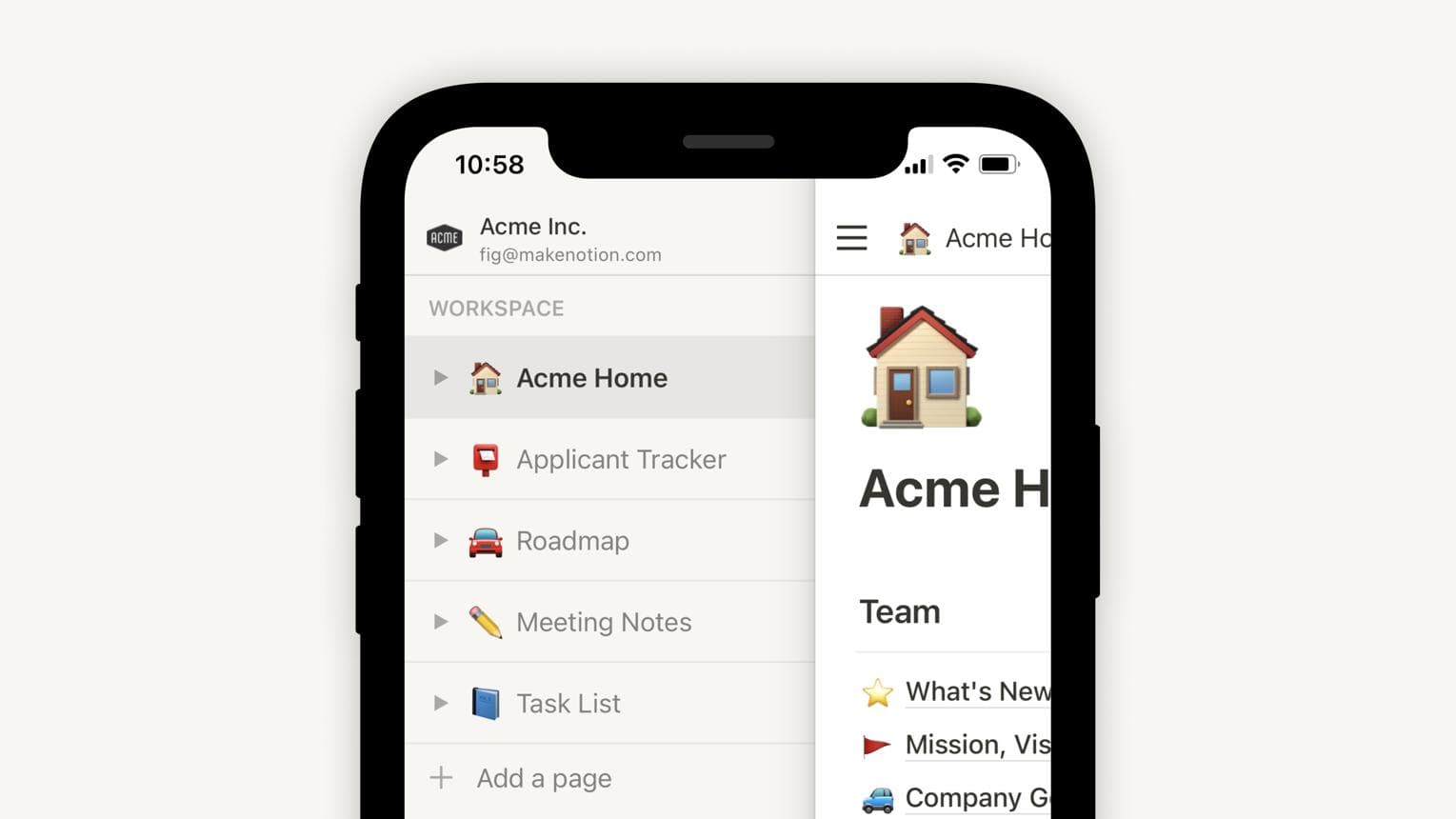
Notion has become one of those apps people either swear by or quietly abandon after overbuilding a system they never use. When kept simple, though, it’s genuinely powerful. Notes, tasks, tables, reading lists all sitting in one place.
The trick is not turning it into a second job. One page for work, one for personal stuff, maybe a habit tracker if you’re consistent. That’s usually enough.
OneNote feels more like a digital notebook you’d actually scribble in. It’s messy in a good way. Handwritten notes, clipped articles, quick thoughts during calls it all lands naturally here without needing structure upfront.
Apple Notes is the one people underestimate the most. It’s already on your phone, it syncs instantly, and it quietly handles scanning documents, locked notes, checklists, and shared folders.
There’s something refreshing about not installing anything extra and still getting 80% of what you need.
Todoist is clean. Almost aggressively clean. You open it, add a task in plain language like “pay electricity bill tomorrow,” and it just understands.
It works best for people who want structure without spending time building systems.
TickTick is what happens when a to-do app decides to include everything reminders, habit tracking, Pomodoro timers, calendar views. It sounds overwhelming, but it doesn’t have to be.
Used lightly, it becomes a single place for your day instead of five scattered tools.
Google Keep is almost too simple. Sticky notes on your phone. That’s it. And sometimes that’s exactly what works when everything else feels like too much.
Forest turns focus into something visual. You plant a tree, and if you leave your phone, it dies. A bit dramatic, sure, but strangely effective on low-motivation days.
It works best for studying or writing sessions where distractions are just one tap away.
Opal feels more strict. It blocks apps you keep opening out of habit social media, news feeds, anything that quietly eats time.
There’s a slight resistance to it at first. That’s kind of the point.
Google Calendar still holds up because it doesn’t try to be clever. Events, reminders, shared schedules everything just works across devices without friction.
Structured takes a different approach. Instead of blocks of time on a grid, it shows your day as a timeline. Wake up, tasks, breaks, random life moments all sitting in order.
It’s surprisingly helpful for people who don’t think in traditional calendar boxes.
At some point, everyone needs to scan a document urgently. Adobe Scan handles that without fuss. Point, capture, export to PDF. Done.
Google Drive is still the quiet backbone of file storage for most people. It’s not exciting. It doesn’t try to be. But when you need a file on another device, it’s already there waiting.
ChatGPT has quietly become the place people go when they’re stuck. Writing emails, brainstorming ideas, breaking down complex topics it fills the gap between thinking and doing.
Perplexity feels more like a research assistant than a chatbot. Ask something, and it responds with sourced answers instead of vague summaries.
Useful when you don’t want opinions just clarity.
Most people don’t need twenty apps. That usually leads to switching, not doing. A simple combination tends to work better.
That’s it. Nothing fancy. Just enough structure so the phone stops feeling like a distraction machine and starts behaving like a tool again.
Productivity isn’t really about stacking apps. It’s more about reducing the number of decisions you repeat every day. Which app holds your notes. Where tasks live. How you remember things.
Once that settles, the phone stops feeling noisy. Not silent, just… lighter.
Apple Notes is usually the easiest starting point because it’s already installed and doesn’t require setup. For tasks, Todoist is simple enough that most people understand it within minutes.
Not really. Most people do better with fewer apps. One for notes, one for tasks, and maybe a calendar is enough. Too many apps tend to split attention instead of helping it.
It depends on how much structure you want. Notion is more powerful but takes effort to set up. Apple Notes is faster and more natural for quick thinking and everyday use.
Opal is one of the strongest options because it blocks distracting apps entirely. Forest also helps by turning focus into a simple timed activity.
They help, but only if they match your habits. The biggest change usually comes from consistency using fewer tools regularly instead of switching between many occasionally.
Ethnic Koti Editorial Team. (2026). "Best Free Productivity Apps for iPhone (2026 Guide That Actually Makes Sense)". Ethnickoti Blog. Retrieved from https://ethnickoti.com/blog/best-free-productivity-apps-iphone-2026
Join the conversation. Be respectful and helpful.